Simplicity® Tenant Portal
Click on Watch Demo to get started
Learn how to use the Simplicity® Tenant Portal to view your contract details, download your billing related notices/documents, submit service ticket, renovation permit and ad hoc utility request.
Also, learn how to create new user accounts, manage the accounts access to the portal, view Announcements and download E-Forms from us.
 Watch the full video introduction of the Tenant Portal


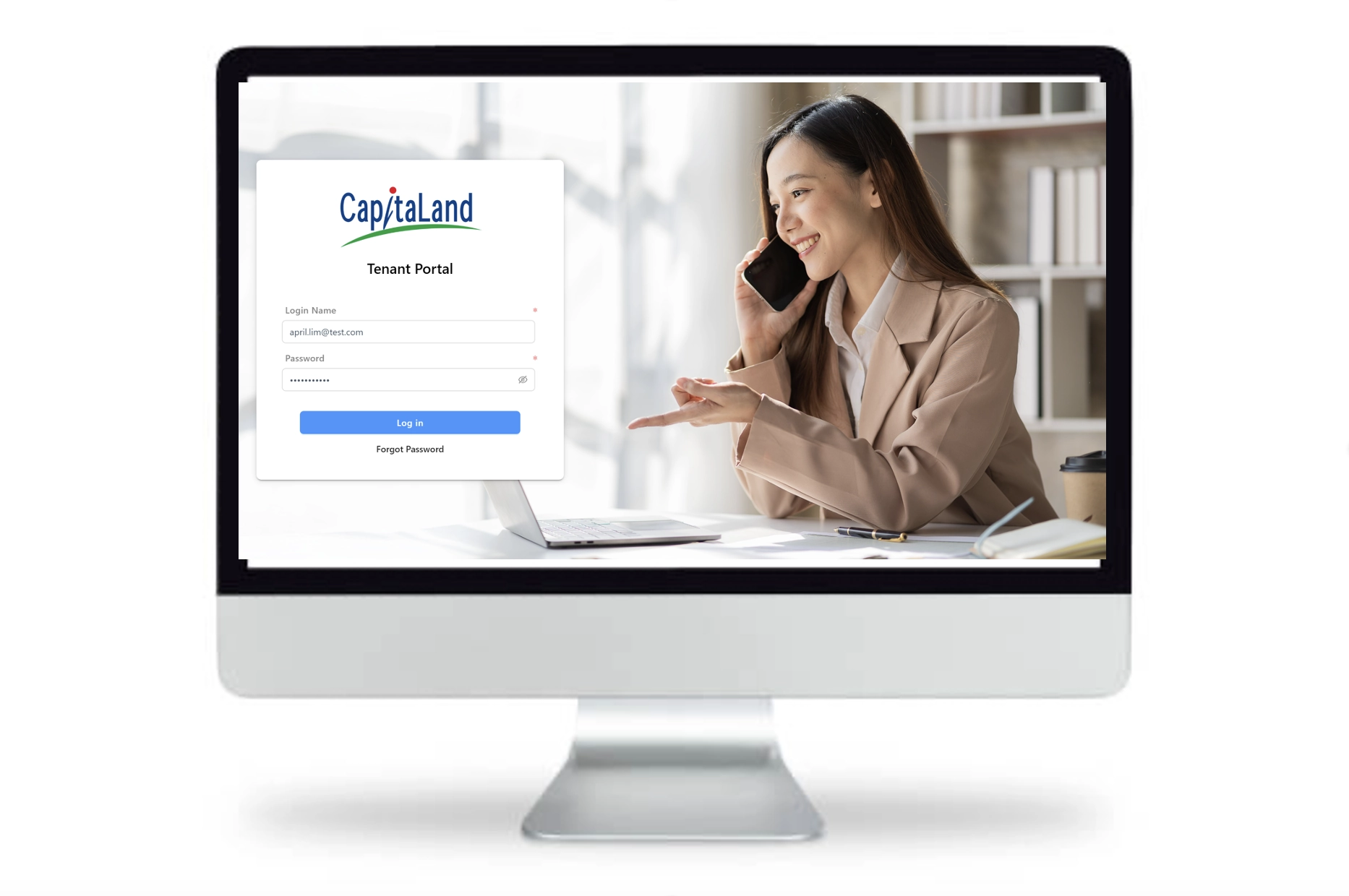

Simplicity® Tenant Portal
Your step-by-step guide to get access to Simplicity® Tenant Portal for new users.
Click on numbers to view screens.
For new users, you will receive a system generated email from Simplicity Tenant Portal, containing your login account and link to reset your password
Please click on the link in the email from the Tenant Portal, it will take you to ‘Reset Password’ prompt.
Please type in a New Password remembering to have lower and capital letters, numbers and special characters (e.g. ~ ! @ # $ % etc). Repeat entering the same password at Confirm Password. Once done, click the ‘Change Password’ button.
You will now be able to login to Tenant Portal (click here to access) using your Login Name and your new password.
Upon successful login, you will see the home page of the Tenant Portal.
If you encounter any issues with the Simplicity® Tenant Portal or have further queries, please drop an email to our friendly support at tenantportal.helpdesk@capitaland.com.